Monday, March 18, 2019

Coding with Scratch


Scratch.mit.edu

I first encountered Scratch with an opportunity that came through my email, it was labeled "Learning to be Creative" and it was offered through Scratch for teachers and other adults to follow a series of lessons and share what they learned or even just talk about what sparked our interest. I enjoyed all the sharing and ideas others came up with. This was lead by students and leaders at MIT Labs and the first place I ever heard the "Lifelong Kindergarten" concept. 
Then I was hooked I wanted to teach my students code by using Scratch. It is not always easy but it is always fun. Some of my students have blown me away with their creativity, artistic abilities, and super coding skills! 
I have even used a program called CS First with Google and Scratch in collaboration, my fifth graders are using the program and are learning Game Design. These games start off as simple and build their skills up to help them learn and understand even more complicated code to create amazingly fun games. 

Here are some fun photos of my students using Scratch:


Monday, May 21, 2018

Bunny-Copters

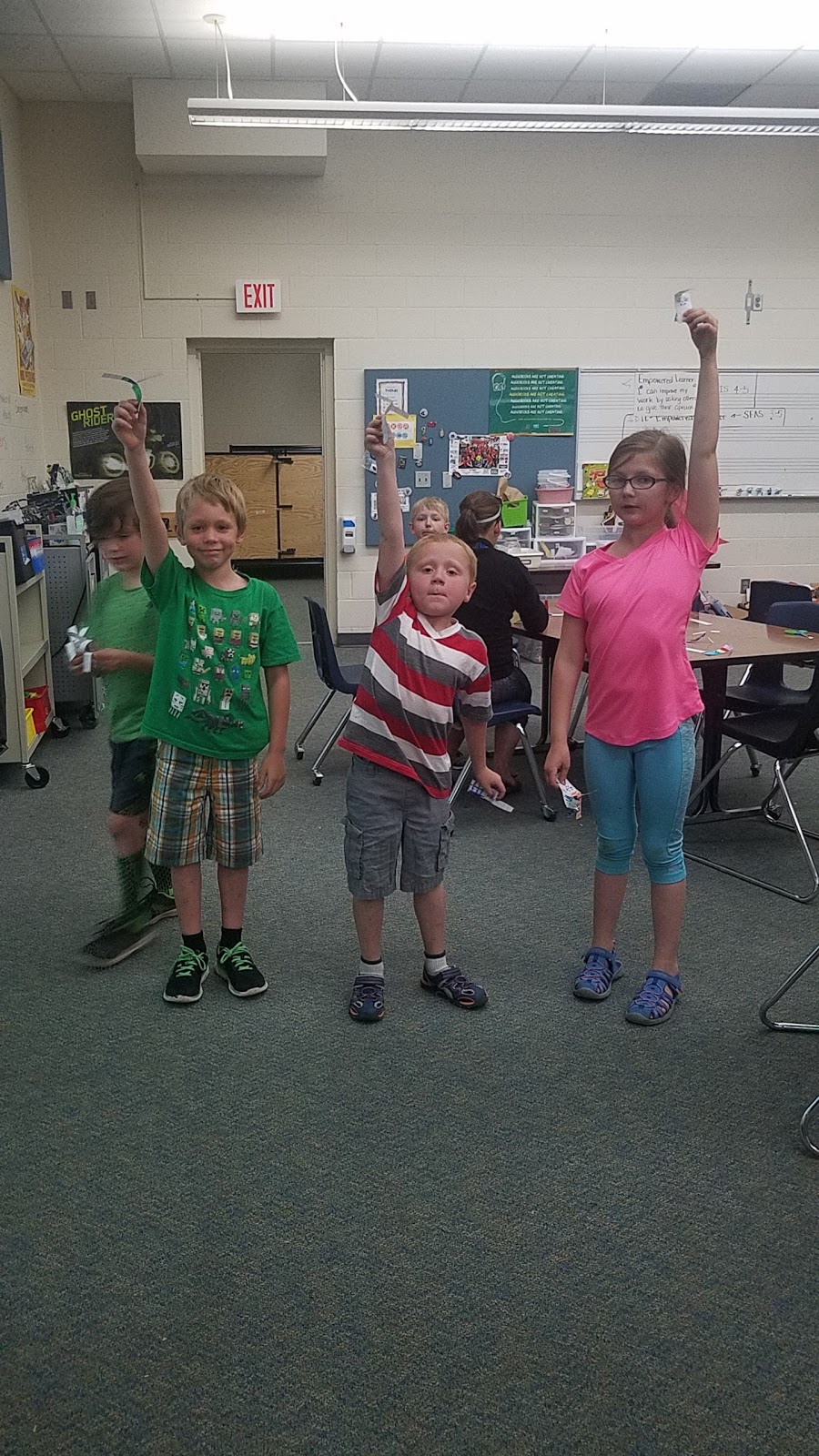
How fast can you make a paper helicopter twirl?


Students experimented with gravity and the effect of weight on velocity as they tried to make a paper helicopter twirl on its way to the ground. What would happen if you didn’t attach a paper clip? What would happen if you attached more than one paper clip?


Friday, May 11, 2018

Lego Challenges

Students were able to choose their own Lego Challenge they worked with a partner to construct the challenge and they shared their ideas and explanations.


Monday, February 26, 2018

Playdoh and Straw Tower (Engineering)

I decided that we would do a team building exercise, where students would work in pairs to build the tallest tower they could using only playdoh and straws. I enjoyed seeing many different ideas emerge from this challenge. I saw many failures but I was very encouraged by the fact they were willing to continue to rethink their plan and try again. I mean after all that is what it is all about, learning to accept failure but not letting it stop you from reaching your goals. Some students were more successful than others but we all applauded everyone effort. We reflected on the experience and what we would do differently if we did it again. The creativity the students have makes me excited about the rest of the year, the greater things to come!


Sunday, July 30, 2017

21st Century Learning Skills

21st Century Learning Skills 

The learning skills that are important for students to learn are the following 4 C's:

Collaboration
Communication 
Critical Thinking
Creativity

Our world is ever-changing and technology is ever-evolving, our children are already native technology users, they are growing up where learning about the world is at their fingertips and it is our job to help them learn to use these technologies in a meaningful, safe, and moral ways. A 21st-century classroom should be able to connect students to their world and enable them to learn from others and share their own ideas. It should be used to differentiate the curriculum so students are learning on their own developmental levels and are able to pursue their unique interests and passions. Here are some posters I found created by some very outstanding teachers. I enjoy these types of posters because they are appealing to students and in Kid friendly language that my students would understand. I look forward to teaching technology this year, I have new and interesting tools to teach students to use and I can't wait to see what they can create. We will learn and practice these skills throughout the school year. At the end of each lesson, we will reflect on how we used the 4 C's to achieve our goals. Our classroom will be an exciting place where it is okay to take risks and make mistakes, after all, that is how we learn and come up with new solutions.